Describe it. Build it.
Start with a plain-language prompt, choose your project type and bring the first version to life.
YOUR PROMPT
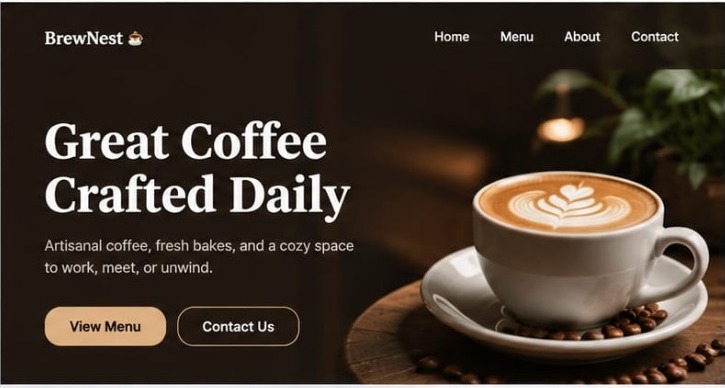
Build a beautiful website for my brand
✦ Generate with AI ↗
From one sentence to a working experience. Build websites, web apps and APIs with AI — then run them in an isolated environment and see a live HTTPS preview.
 YEEDI STUDIO
Less setup. More creating. An AI development workspace that makes it easier to build, inspect and iterate.
Start with a plain-language prompt, choose your project type and bring the first version to life.
Inspect your working experience through a dedicated HTTPS preview rather than guessing from code.
Keep execution inside isolated runner environments, with preview lifetimes and cleanup controls.
Move between builds, projects, runs and previews from one familiar workspace.
Get moving with prompts for landing pages, product interfaces, dashboards and more.
Review your output, test the experience, and prepare the generated project for your hosting workflow.
Go from a rough thought to something you can open, see and refine in four steps.
Explore the builderExplain the product, audience, pages and key features in your own words.
Select Web App, Static Site or API and create the project scaffold.
Inspect the output, runtime logs and the HTTPS live preview.
Improve the experience and deploy to your selected hosting environment.
Choose an idea, copy a starter prompt and open Yeedi AI Studio to build on it.
Build a modern, responsive SaaS landing page with clear product benefits, beautiful pricing cards, testimonials and a signup call-to-action.
Designed around isolated execution, routable previews and controlled run lifetimes — not just a chat window that writes code.
Technical features reflect the workflow shown in your Studio interface. Final security, capacity and production readiness must be tested on the deployed server.
Everything you need to feel ready to start.
You can begin with websites, static pages, web app interfaces and API project scaffolds. Available frameworks and generation quality depend on the live Studio configuration.
The Studio interface is designed to expose an HTTPS preview for an isolated run. A preview is for testing and review; it is not the same as a permanent production deployment.
Generated code can be prepared for a hosting workflow, depending on the project and export features enabled in your account. Verify build, environment variables, dependencies and production security before launch.
No. Preview links can be temporary and may be cleaned up automatically. Publishing to a permanent domain requires a separate production deployment step.
Do not paste production secrets into prompts or generated front-end files. Manage secrets securely on the server and restrict access according to your deployment configuration.
Stop collecting ideas in notes. Start turning them into something real.
Open Yeedi AI Studio